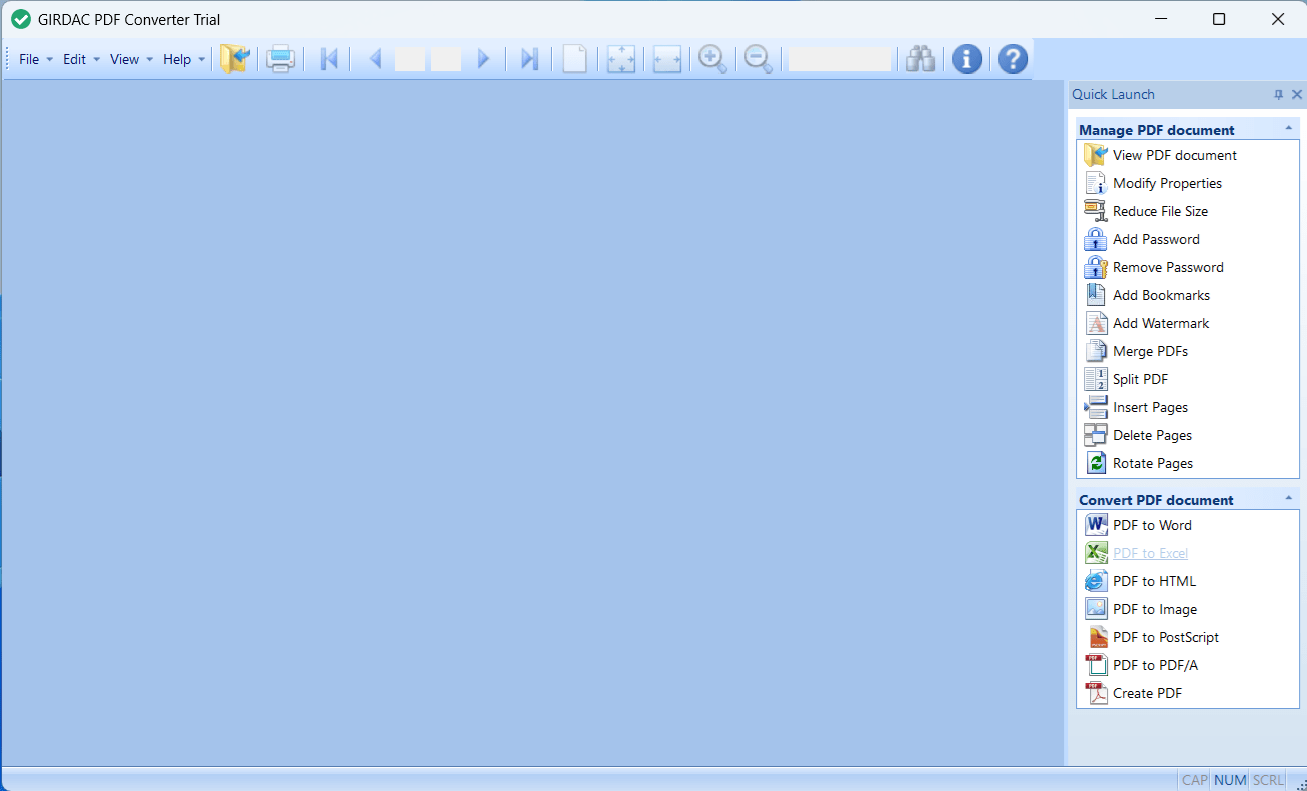
GIRDAC PDF Converter is an all-in-one PDF utility. It supports not only the conversion of PDF files but can also be used to view them, create PDFs from other formats, and more. Note that the ability to create PDF files from other formats is not available in the unregistered version.
Intuitive interface and shell integration
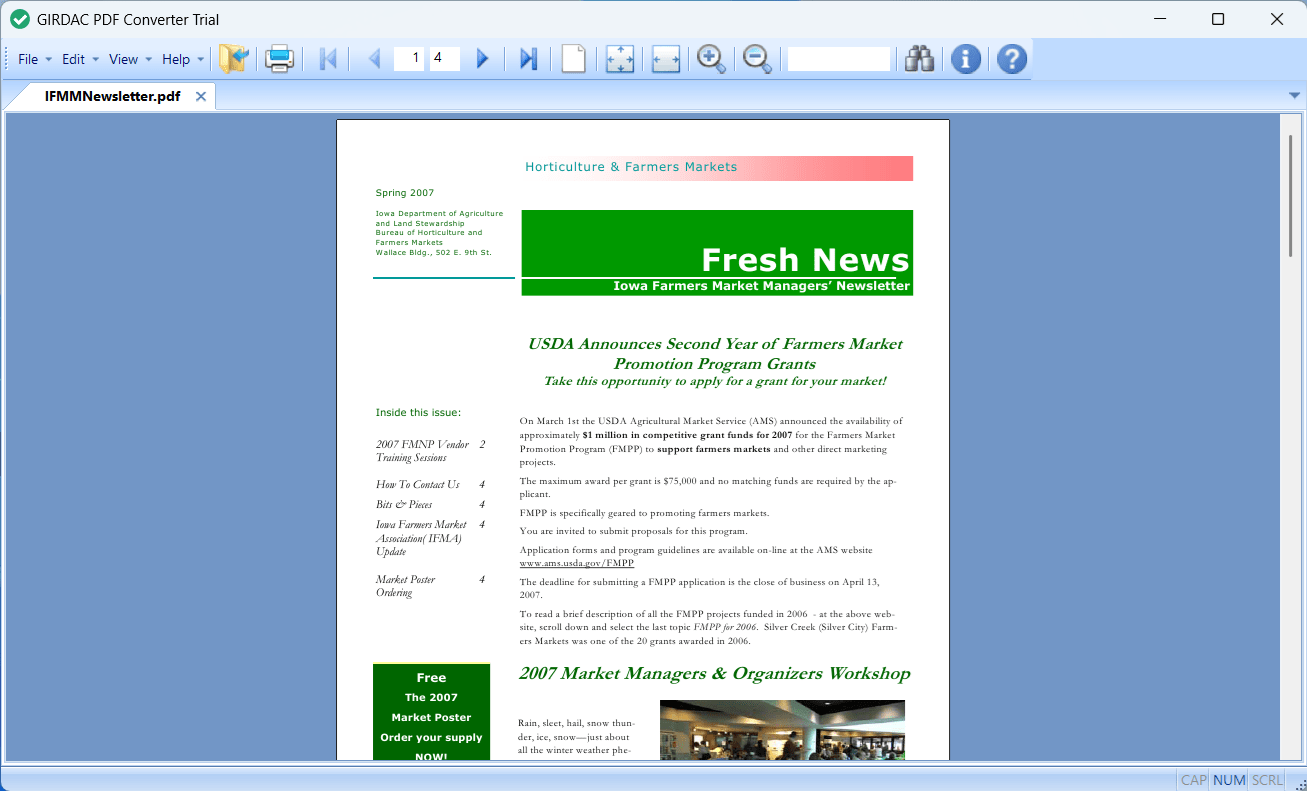
When installing the application, you can choose to add it to the right-click context menu in Windows Explorer. This allows you to quickly access the main features right from there. The application's interface is very intuitive, allowing you to open multiple files at once, which are neatly shown in tabs.Format support and conversion options
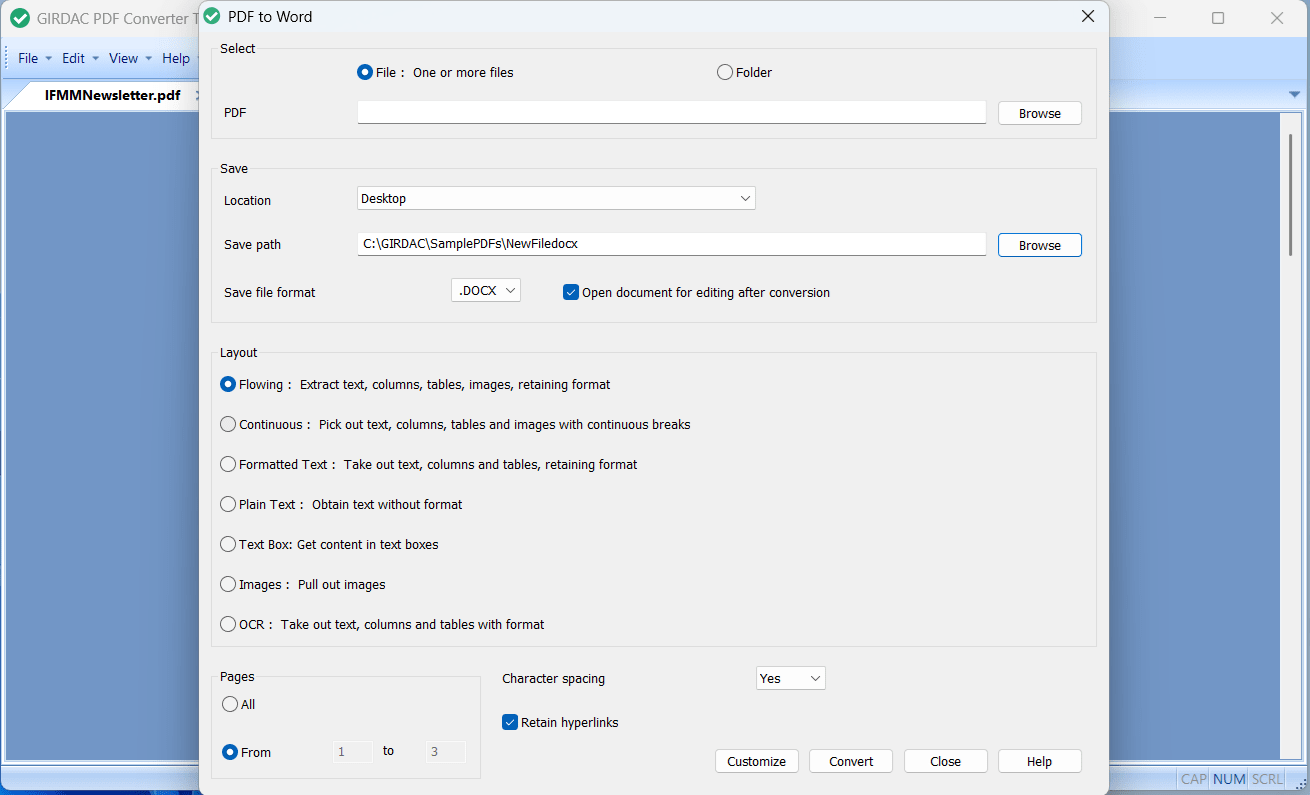
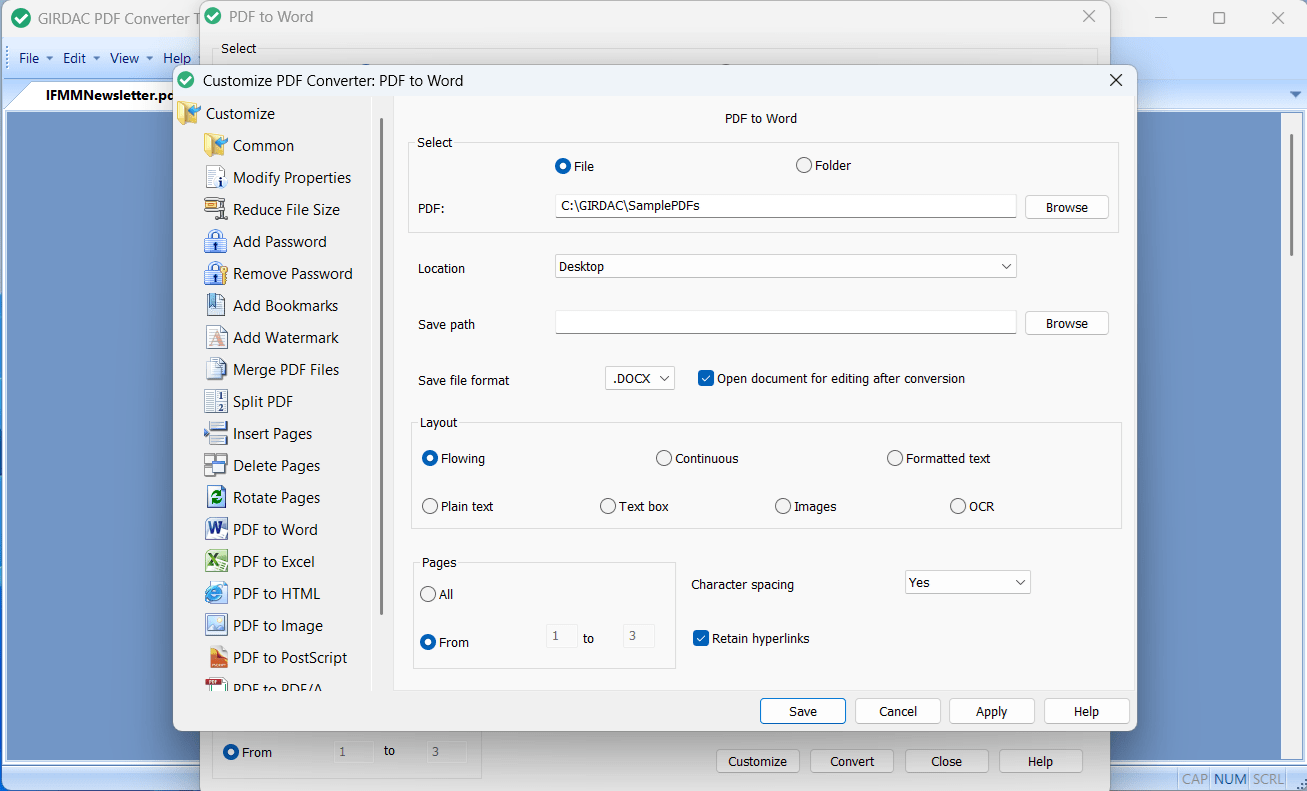
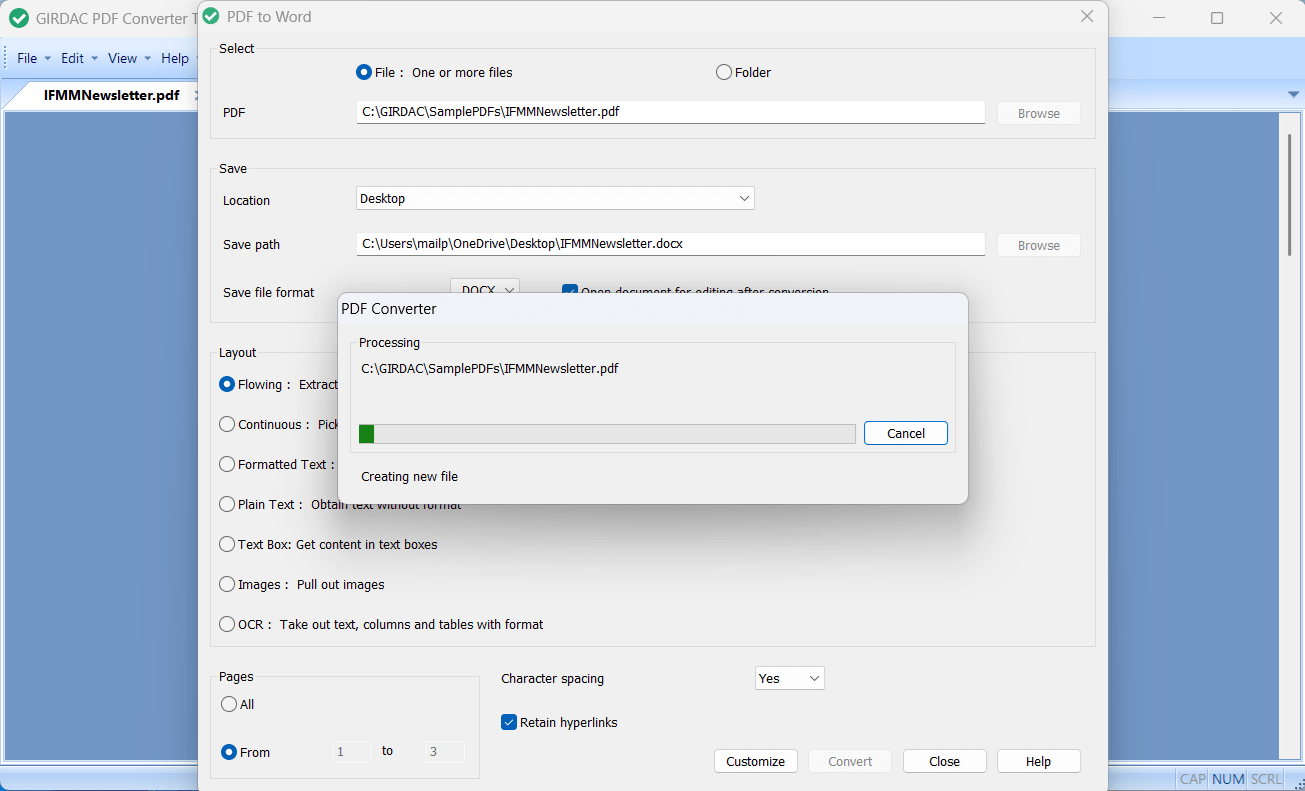
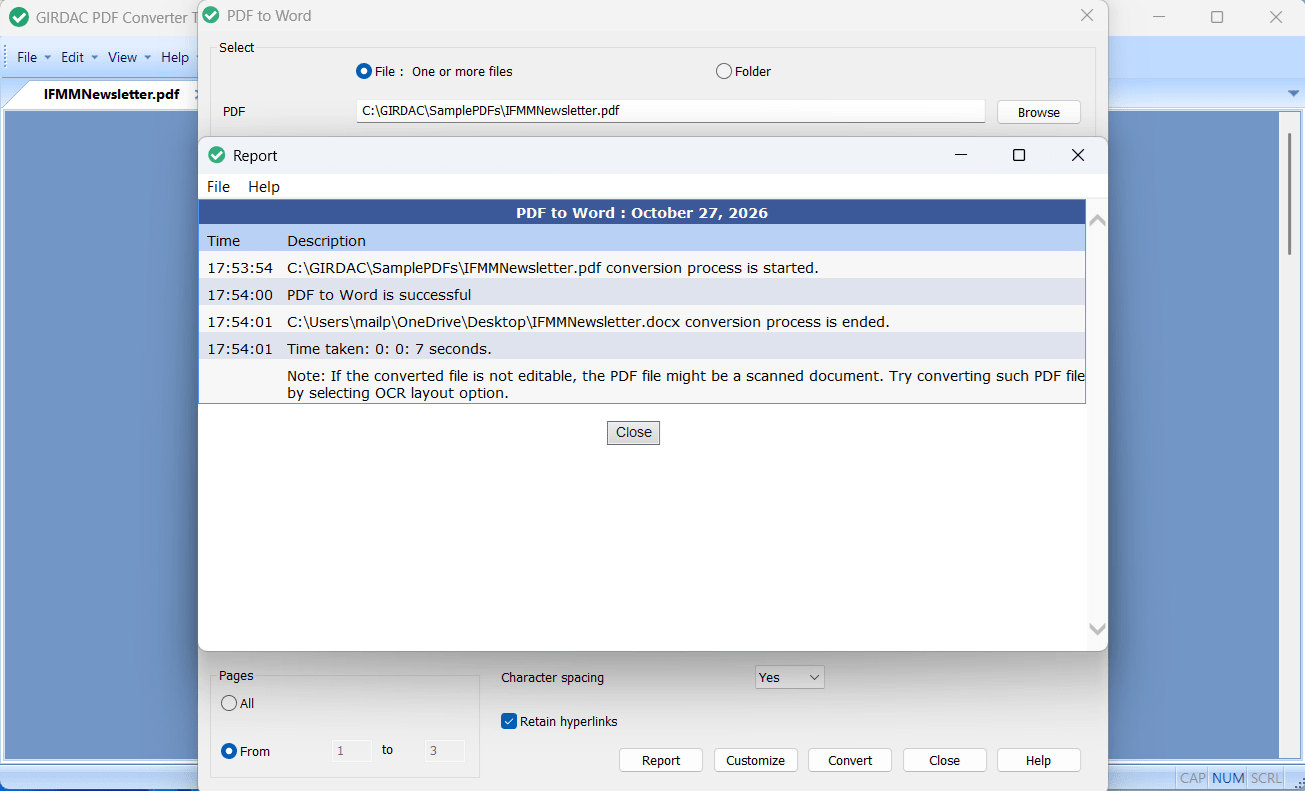
You can convert PDF files to Word, Excel, HTML, and PostScript. It also supports exporting to a number of image formats, such as PNG, JPG, and GIF. A vast array of options can be set before finalizing the conversion, including layout, page range, output location, and image settings.Extra tools for PDF management
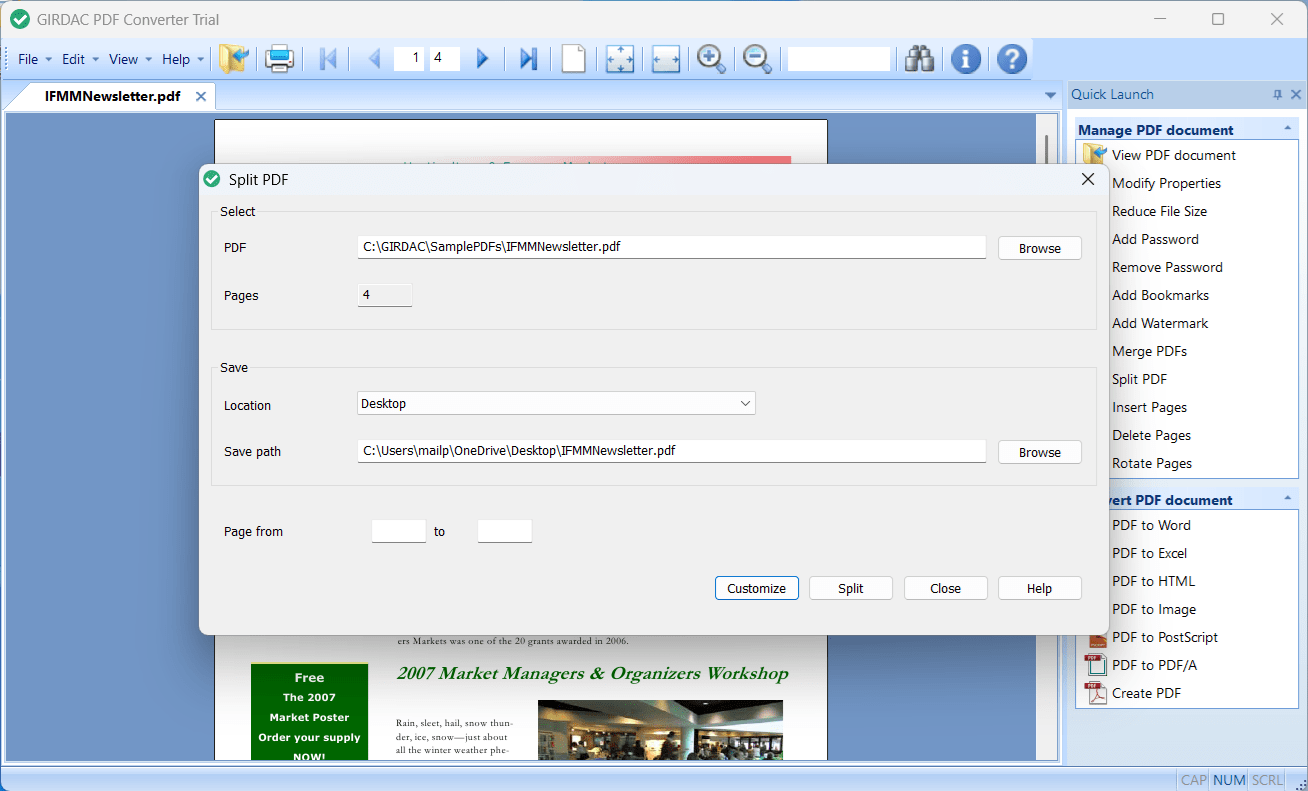
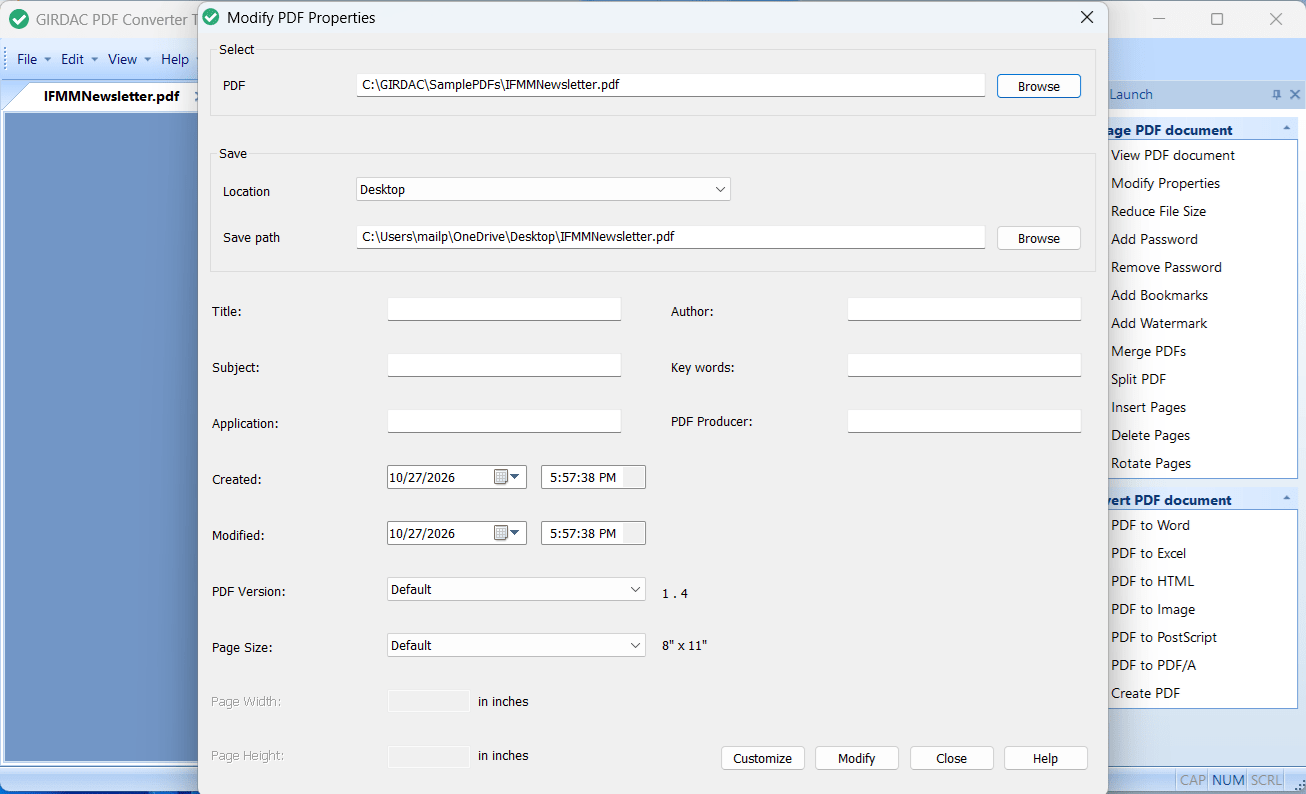
The app includes the ability to view and edit PDF metadata, add or remove passwords, apply watermarks, merge or split documents, and shrink the size of your files. You can also add bookmarks or insert, delete, and rotate specific pages. Besides that, it brings PDF creation functionality from several other formats.A solid choice for everyday document tasks
GIRDAC PDF Converter is easy to use and packs practically all the features you could need when dealing with PDF files. It works fast and does not consume a lot of system resources.